
Image to VectorConvert Raster to SVG in One Click - AI Vectorizer
Convert JPG, PNG bitmaps into crisp SVG vectors with one click. Supports text-to-vector, logo-to-vector, and exports to PDF, DXF, EPS for design, engraving, and printing workflows.
What Is Image to Vector? Why Designers Love It
Image-to-vector converts JPG, PNG, and BMP bitmaps into resolution-independent vector graphics built from bezier curves, so they stay razor-sharp at any scale. Our AI auto-detects shapes and edges for one-click conversion, supporting logo-to-vector, text-to-vector, and laser-engraving workflows.
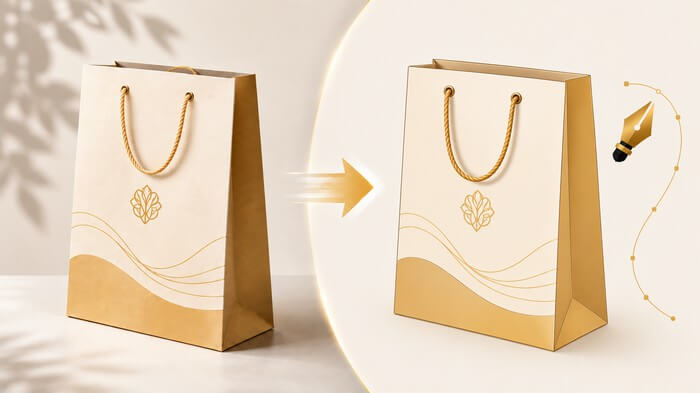
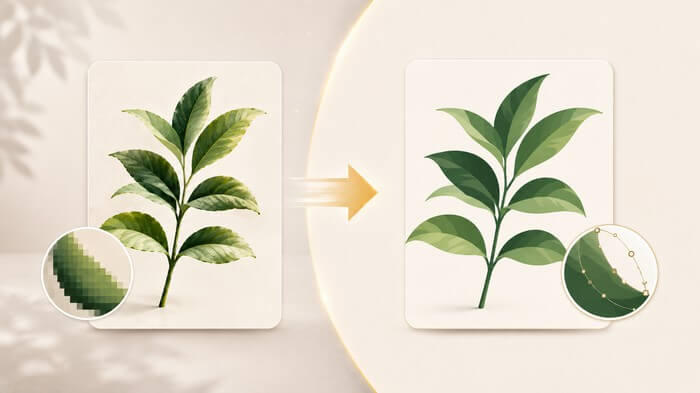
Image to SVG
AI auto-detects color areas, edges, and lines in bitmaps, converting them into smooth SVG vector curves. Results scale infinitely without quality loss - the go-to tool for logos, illustrations, and cartoon tracing.
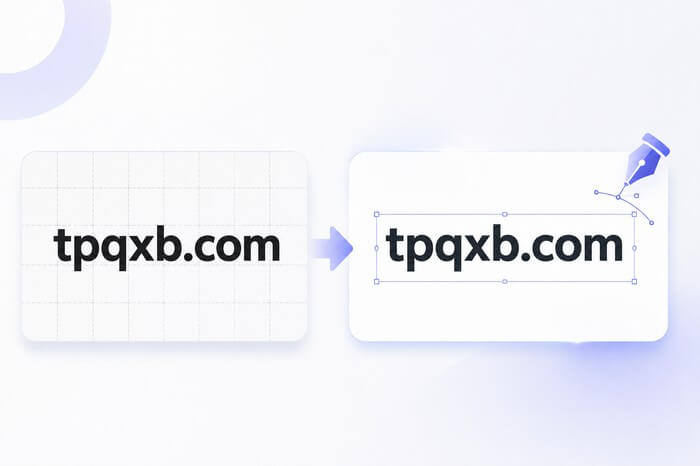
Text to Vector
Outlines text, slogans, and stamps from screenshots into editable vector contours. No font files needed - your text never breaks on another computer. Perfect for creating vector typography.
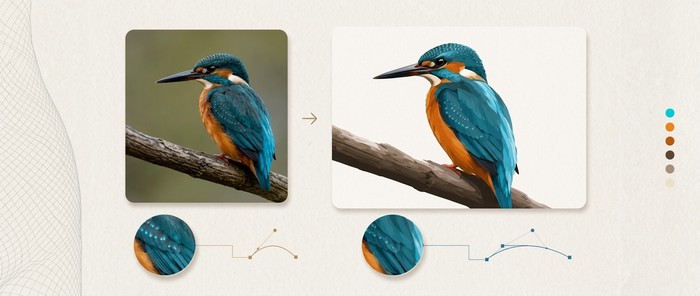
Illustrator Compatible
Enable Adobe mode to auto-convert quadratic bezier curves (Q) to cubic (C). SVG imports into Illustrator without any path distortion and stays fully editable.
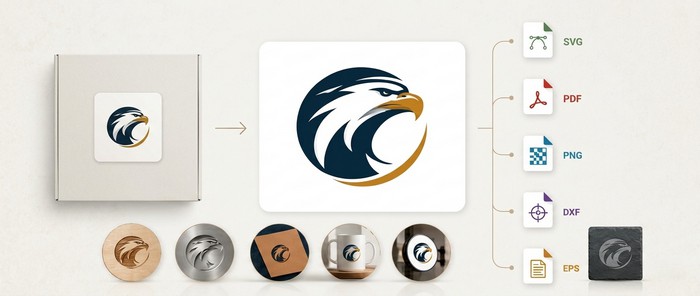
Logo to Vector & Multi-Format Export
Export SVG, PDF, PNG, DXF, or EPS. DXF works directly with laser engravers and CNC machines, EPS suits print production, and logos are sharpened end-to-end.
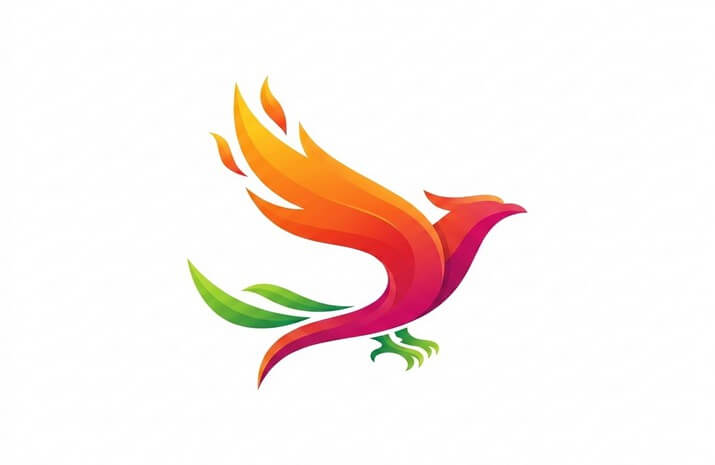
Before vs After: Vector Conversion
Drag the slider to compare bitmap and vector output - the sharpness difference is night and day
Service Notes
Transparent AI vectorization process to ensure the best experience
Input Formats
Supports png, jpg, jpeg, webp, bmp, gif, tiff bitmaps. For best results, upload high-resolution images with clean, well-defined shapes.
Processing Limits
Free users: 5MB per image, 1 image at a time. Premium: 20MB per image, up to 15 images per batch.
Processing Time
Vectorization is billed per image. Images with simple outlines (logos, line art, text) convert fastest; higher-resolution and more detailed images take longer.
Output Formats
Five formats: SVG for universal vectors, DXF for laser/CNC, EPS for print, PDF for documents, and PNG for high-res raster output.
Adobe Mode
SVG format supports Adobe mode with automatic Q-to-C curve conversion, so paths import into Illustrator without distortion and remain editable.
Privacy Promise
Uploaded and processed files are retained for at most 24 hours, then permanently destroyed. Please download your results promptly.
Three Simple Steps to Vectorize
No professional vector software or pen tool skills needed - just a few clicks
Upload Image
Upload JPG, PNG, WEBP, BMP, GIF, TIFF bitmaps. Premium supports batch uploads of up to 15 images.
Choose Format
Pick your output: SVG universal vector, PDF for print, DXF for laser engraving/CNC, EPS for publishing; SVG also offers an Adobe-compatible mode.
Convert & Download
AI detects contours and vectorizes automatically. Download your high-res vector file and open it in Illustrator, CorelDRAW, or your engraving machine.
Frequently Asked Questions
Common questions about image-to-vector, text-to-vector, and output formats. Contact us for further support.
What does image to vector mean?
Image-to-vector automatically converts pixel-based bitmaps (JPG, PNG) into vector graphics built from mathematical bezier curves. Vector graphics are resolution-independent and stay razor-sharp at any scale with no pixelation or jaggies.
Which images work best for vectorization?
Images with clean shapes and clear outlines work best: logos, icons, stamps, cartoon illustrations, text, and line art. Photos become stylized illustrations when vectorized - great for artistic effects.
Can I edit the SVG after conversion?
Yes. SVG is a standard vector format that opens directly in Illustrator, CorelDRAW, Figma, and more. With Adobe-compatible mode enabled, curves follow Illustrator conventions exactly, so editing won't distort paths.
What is text to vector, and why is it useful?
Text-to-vector outlines text from screenshots or images into editable vector contours. Text becomes independent of font files, won't break on another computer, and works for laser engraving, illuminated signs, and storefront graphics.
What is the DXF format used for?
DXF is AutoCAD's standard exchange format. It imports directly into laser engravers, CNC routers, and plasma cutters - the core format for sign shops producing storefronts, door headers, and acrylic lettering.
Why does my result look noisy or rough?
Vectorization quality depends on the source image. Upload high-resolution images with clean backgrounds and clear outlines. Remove watermarks and noise first with our cleanup tools for best results.
What's the difference between Free and Premium?
Free: 5MB per image, 1 at a time. Premium: 20MB per image, batch processing of up to 15 images, and priority scheduling when the queue is busy.
How long does one image take?
Low-resolution images usually finish in under 10 seconds, while larger images typically take tens of seconds. Processing time mainly depends on the image resolution and complexity.
Which output formats are supported?
SVG, PDF, PNG, DXF, and EPS. SVG for web and vector editing, PDF for documents, PNG for high-res raster, DXF for laser/CNC, and EPS for print publishing.
Pair These Tools for a Faster Workflow
From photo editing to vectorization - complete your visual workflow